
Assembly


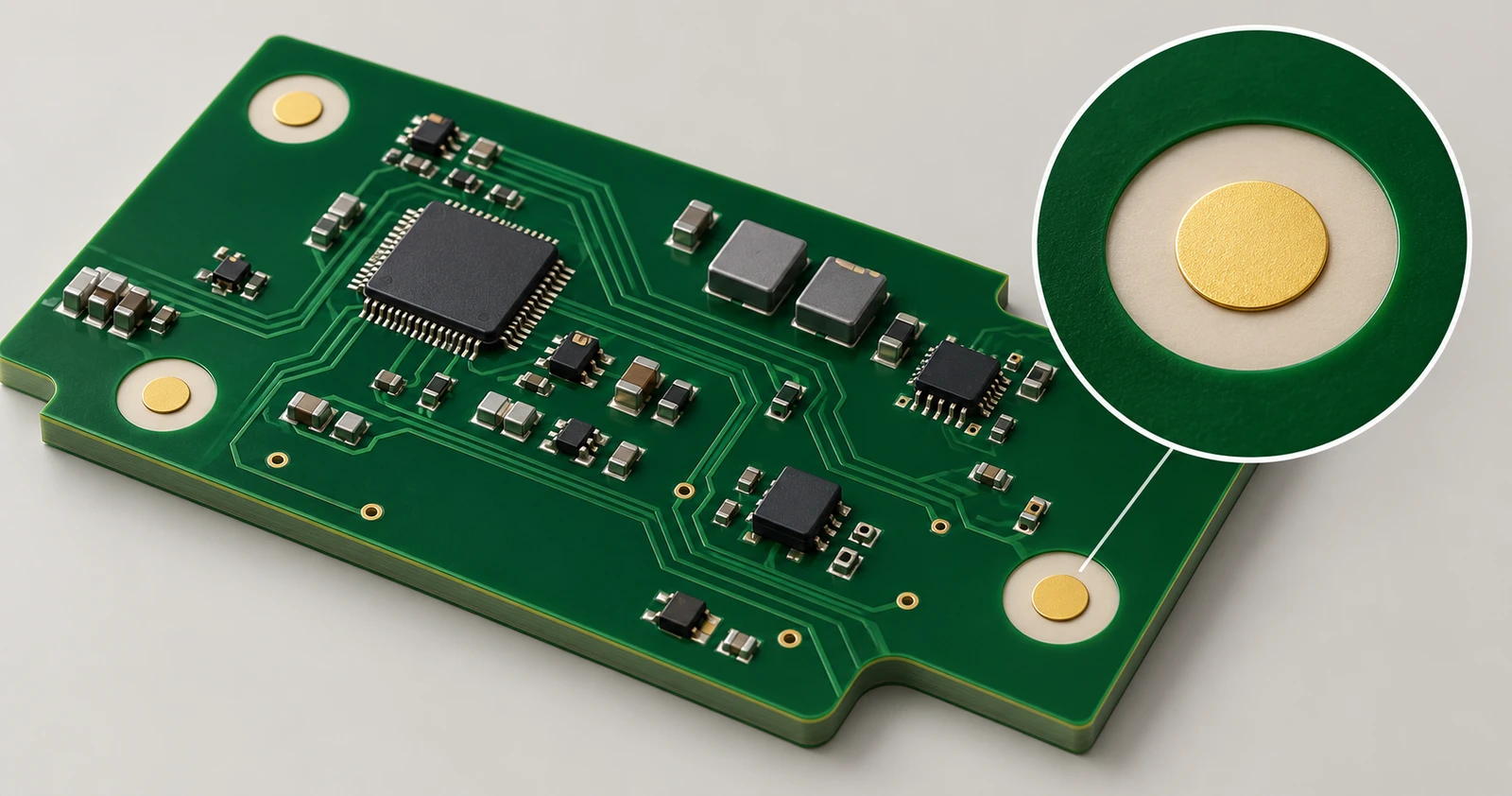
PCB Fiducial Marks: Size, Placement and Design Guidelines
Rigid-Flex PCB Bend Radius Guide
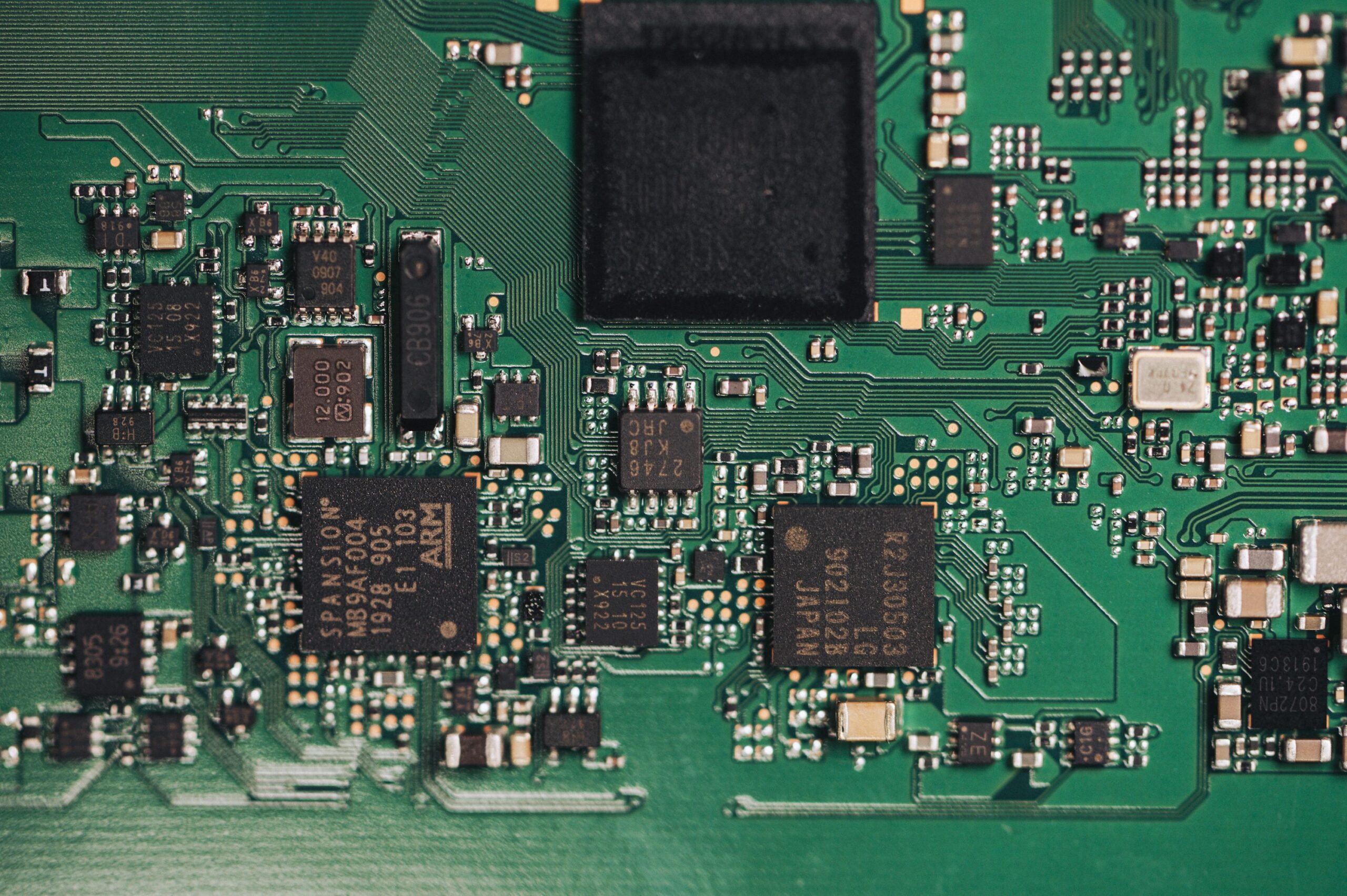
High-Frequency PCB Material Selection Guide
GreatPCB provides IC programming as part of its PCB assembly services. Share your device details and approved firmware to discuss how programming, assembly and testing should fit together for your project.
The right approach depends on the exact IC, its package, the board design and the checks required before delivery.

Chip handling and socket stations in an automated programming setup.
What Is IC Programming?
IC programming writes firmware or configuration data into a programmable integrated circuit. That data may tell a microcontroller how to operate, store settings in an EEPROM or Flash device, or configure programmable logic.
For production, the starting point is an approved release from the product developer. Writing the application software and transferring that release into an IC are different tasks. A programming job needs the correct files, destination and settings for the particular device.
What Does an IC Programmer Do?
An IC programmer connects the programming software to the target device. Depending on the job, that connection may use a socket adapter for a loose component or an interface on an assembled PCB.
Compatibility involves more than matching a connector. The programmer must support the device and its programming procedure; the adapter or fixture must also match its package or board connections. Two chips with similar markings or the same package can still need different settings.
Programming Options
The first decision is whether to program the IC before it is mounted or while it is on the PCB. Both approaches can be useful. The choice depends on access, firmware readiness, handling and the production sequence.
Before Assembly
In pre-assembly programming, the loose IC is placed in a suitable socket or adapter. The programmed components then move to assembly, with their firmware revision identified so that different releases are kept separate.
This approach can suit a stable release used across a batch. It also requires suitable handling and packaging after programming. If the firmware changes later, the update route needs to be considered before the components reach the assembly line.
On the Assembled PCB
In-circuit programming loads the device through accessible board connections. Depending on the device, these may use JTAG, SWD, a supported serial interface or a bootloader connection. The required signals, supply conditions, reset control and programming mode must be established for the actual board.
This can allow firmware loading after assembly and updates without removing the chip, where the design and security settings permit. A connector or test point alone does not establish compatibility: other circuitry on the board can affect access to the target device.

A programmer connected to a board illustrates in-circuit access. Connections depend on the target device.
| Approach | How It Connects | What to Confirm |
|---|---|---|
| Before assembly | Socket or adapter for the loose IC | Exact device and package, approved release, handling and identification |
| On the assembled PCB | Board connector or accessible test points | Interface pinout, power and reset requirements, fixture access and programming mode |
“Offline” can also describe a programmer that runs without a connected computer. That does not necessarily mean the IC is off the board. Stating the assembly stage avoids this ambiguity.
Programming and Verification
A production programming job needs an agreed setup and a clear definition of a passing result. The following stages help distinguish loading the intended data from confirming that the finished board works.
Setup and First-Article Check
The setup brings together the exact device, hardware revision, approved firmware and programming instructions. Memory regions, configuration options and any existing data that must be retained should be identified before writing starts.
A first sample provides a check of that setup against the agreed acceptance requirements before the remaining batch proceeds. If the firmware, board revision or relevant settings change, the sample and approval requirements should be reviewed again.
Program and Verify
Programming follows the device-specific procedure for the approved memory regions. Erase operations, write settings and protection steps depend on the IC; a full-chip erase is not a suitable default when existing bootloader or calibration data must be preserved.
Verification checks the programmed contents using the method supported by the device and tool. Checking the incoming file’s hash confirms which file was supplied; it does not prove that the target IC received that data. These are separate checks.
Read protection and security settings can change which checks remain possible. Their values and the order of operations need approval before programming. A failed or interrupted operation should be investigated before the device is accepted or programmed again.
Functional Testing
A programming PASS result does not establish that every board function works. Functional checks may include startup, reported firmware version, communication or specific input and output behavior, according to the product’s test instructions.
Agree the required assembly testing alongside programming, including any fixtures, connected equipment and pass/fail limits. This makes the expected delivery result clear.
What Do You Need for IC Programming?
The most useful starting information is the exact device, build quantity and approved programming package. For an assembly order, identify which components need programming and whether they arrive blank or already programmed.
Firmware and Configuration
- Approved files and revision: Supply the released programming files, such as HEX or BIN where supported, with a clear version identifier. Include separate bootloader, application or data files when the job requires them.
- Memory locations: Specify where each image belongs and which regions must remain unchanged. A raw BIN file needs its intended destination defined; ST’s programming documentation illustrates why the write address is part of the setup.
- Configuration instructions: Identify the applicable clock, boot, option-byte, fuse or protection settings. State whether these are included in the supplied file or need separate configuration.
- Acceptance requirements: Describe the expected verification and functional checks, along with any programming records needed for the order.
An approved programming image is usually the relevant deliverable; application source code is not automatically required. If the product needs individual serial numbers, calibration data or security credentials, raise that requirement during review so the process and handling can be assessed separately.
Device and Board Information
Provide the manufacturer’s full part number, package and quantity, together with the PCB revision and relevant BOM reference designators. If component sourcing is included, identify the required device in the BOM so procurement and programming requirements can be reviewed together.
For programming on the PCB, add the interface pinout, connector or test-point locations, power requirements and any instructions needed to enter programming mode. A connection drawing, approved sample or existing fixture details can help explain requirements that are not obvious from the assembly files.
Cost and Lead Time
IC programming cost and timing depend on the work needed to prepare, execute and check the job:
- Device and connection: A suitable adapter or board fixture may need to be obtained or prepared.
- Data and operations: Image size, memory regions, erase requirements and verification affect the programming cycle.
- Quantity and handling: Batch size, component packaging and the point of programming within assembly affect the work involved.
- Testing and release readiness: Functional checks, approved files, available components and unresolved configuration questions influence the schedule.
For a complete PCBA order, programming is one part of the assembly lead time. Confirm its scope with sourcing, assembly and testing so the quotation covers the intended finished result.